

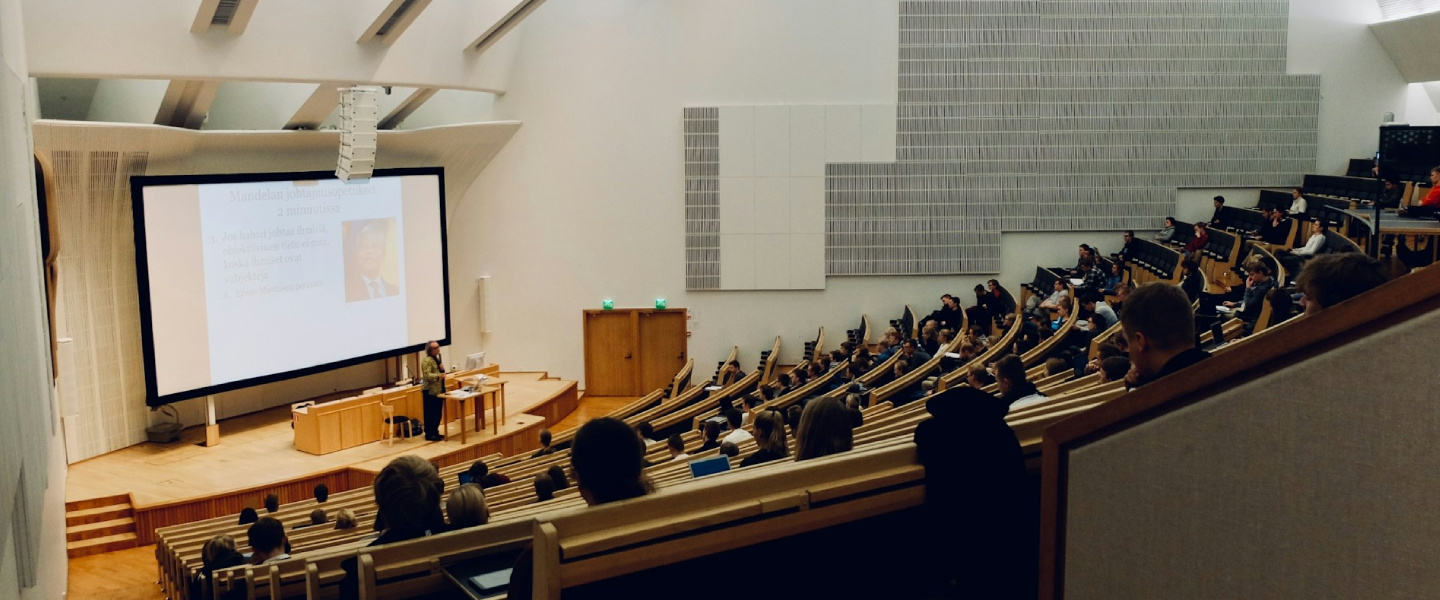
University life today is built around technology in a way it simply wasn’t a decade ago. Lectures are streamed or recorded, assignments are researched, written, and submitted online, and group work now happens across shared documents, messaging platforms, and video calls. Even day-to-day organisation - timetables, deadlines, reminders, and notes - is largely managed through digital tools. As a result, the technology students use has a direct impact on how efficiently they can study, collaborate, and balance uni life with everything else going on around it.
In this Deep Dive, we’re breaking down the key tech categories students should be thinking about as they head into (or back into) uni - from the devices you’ll rely on every day to the accessories that make study and student life easier. We’ve also got some product recommendations throughout, to make choosing a little easier. Whether you’re studying full-time or part-time, living on campus, flatting, or commuting, these categories form the foundation of a modern student tech setup and influence how smoothly the academic year runs.
Core Study Setup
Laptops, Desktops & All-in-One PCs


Your main study device is your command centre. It’s where lectures happen, assignments get written, research lives, and group work gets done. The goal isn’t just “a computer” - it’s having a setup that won’t slow you down when workload spikes.
Why it matters:
Handles the everyday workload: docs, tabs, calls, and learning platforms without lag.
Keeps you flexible - whether you’re moving between campus, home, and the library.
Supports course requirements (some subjects need heavier software than others).
Features to look for:
Portability vs. performance: lighter machines travel well; heavier ones suit desk-first study.
Battery life: crucial for full days on campus without hunting for a wall socket.
RAM & storage: enough headroom for multitasking + saving coursework locally if needed.
Ports & connectivity: USB-C, HDMI, Wi-Fi stability, and enough connections for accessories.
Pro tips:
- Match your device type to your routine: commute-heavy students benefit from portability; home-based study benefits from comfort and screen space.
- If your course uses specialist software, check requirements early so you’re not caught out mid-semester.








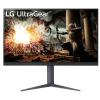
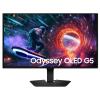
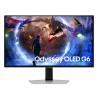
Monitors


A monitor is one of those upgrades you feel immediately. Extra screen space changes the way you study - less window swapping, more focus, and faster work.
Why it matters:
Makes research + writing easier (sources on one screen, assignment on the other).
Improves workflow for spreadsheets, coding, and creative tools.
Reduces fatigue by creating a cleaner, more readable workspace.
Features to look for:
Size & resolution: more space helps, but clarity matters for reading and detail work.
Panel type: affects colour accuracy and viewing angles (important for creative students).
Refresh rate: not essential for study, but can matter for smoothness and gaming downtime.
Connectivity: HDMI/DisplayPort/USB-C, depending on what you’re plugging in.
Adjustability: height/tilt can make long sessions more comfortable.
Pro tips:
- If you’re short on desk space or move around a lot, portable monitors can deliver the second screen benefit without locking you into one spot.
- A monitor works best when paired with better posture (stand/risers) and decent lighting.










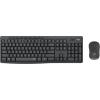
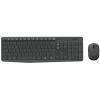
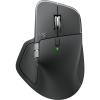
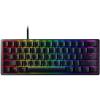
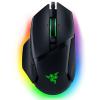
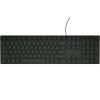
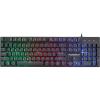
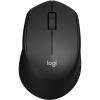
Keyboards, Mice & Ergonomic Accessories

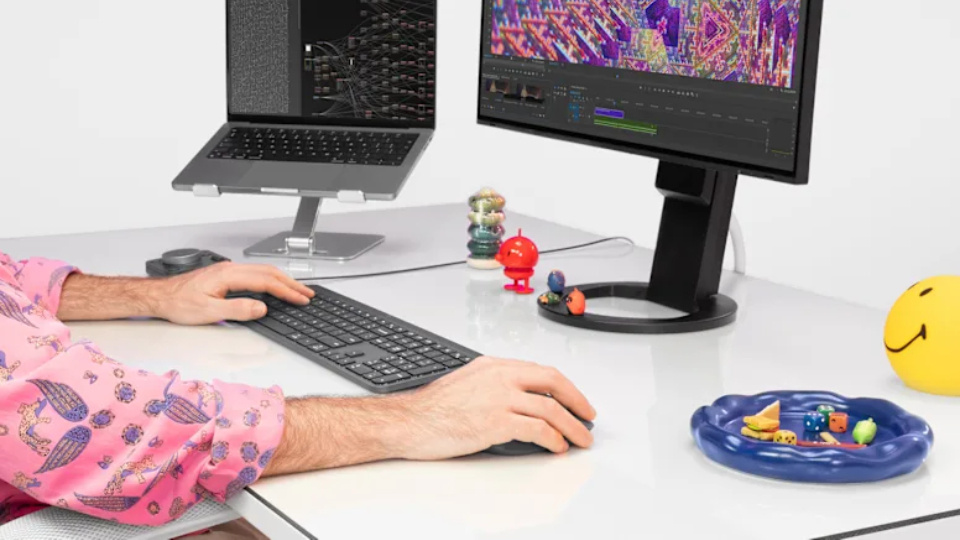
Long hours at a laptop can quietly wreck comfort. External peripherals make study feel easier - and that matters when you’re doing it daily.
Why it matters:
More comfortable typing and navigation for long sessions.
Better posture (especially with a laptop stand + external keyboard/mouse).
Can reduce strain and fatigue during heavy assessment periods.
Features to look for:
Ergonomics: shape, wrist support, and hand position matter over time.
Connection type: Bluetooth vs wireless dongle vs wired (depending on your setup).
Keyboard feel: quieter options suit libraries/flatting; tactile options suit heavy typers.
Adjustability: stands/risers should put the top of your screen closer to eye level.
Pro tips:
- If you’re using a laptop at a desk daily, a stand + external keyboard/mouse is one of the best comfort upgrades you can make.
- Keep your everyday carry simple - one compact mouse can make campus study much nicer.










Note-Taking & Productivity Tech
Tablets & Stylus Devices

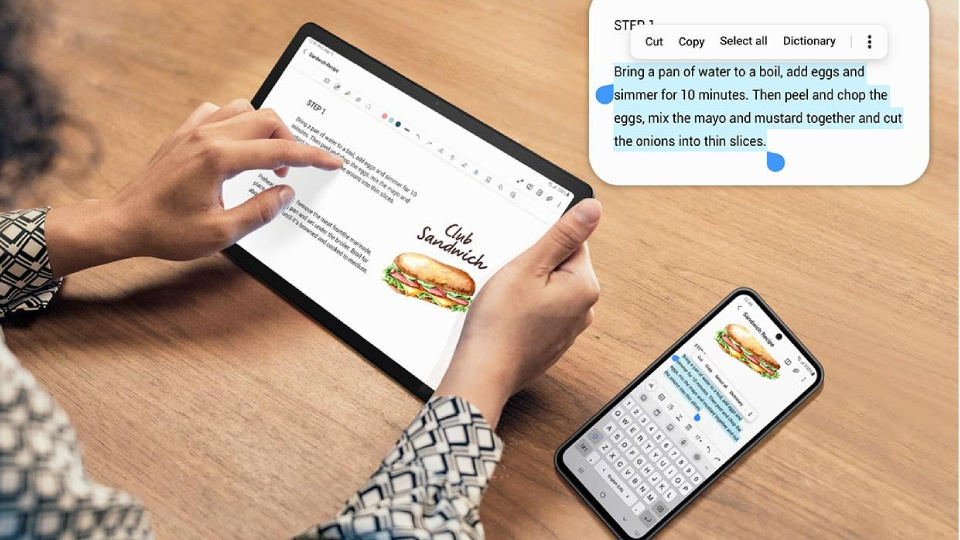
Tablets are the “all-in-one notebook” for a lot of students now. They’re great for handwritten notes, marking up PDFs, and keeping everything organised in one place.
Why it matters:
Makes note-taking faster and easier to organise (especially for lecture-heavy courses).
Great for annotating slides and readings without printing.
Ideal for diagrams, maths, and visual subjects where typing isn’t as natural.
Features to look for:
Stylus support: low-latency writing and palm rejection make it feel natural.
Screen size: larger screens help with split view (notes + slides).
Battery life: important for full-day lecture schedules.
Storage & sync: cloud support is useful, but local capacity still matters.
Pro tips:
- Even if you don’t go “paperless,” a tablet is excellent for keeping lecture slides and readings in one place.
- A good case/cover matters more than people think — tablets travel everywhere.







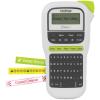
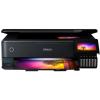
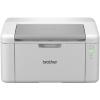
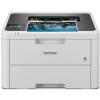
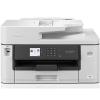
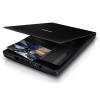
Printers & Scanners


Digital-first doesn’t mean paper never happens. Printing and scanning still pop up constantly in uni life, especially during deadlines.
Why it matters:
Printing helps for proofreading, revision, and reading away from screens.
Scanning makes it easy to submit handwritten work or digitise notes quickly.
Saves time when campus printers are busy, broken, or inconvenient.
Features to look for:
Print type: black & white vs colour, depending on your needs.
Running costs: ink/toner efficiency matters more than the upfront price long-term.
Wireless printing: makes it easier to print from laptops and phones.
Scan convenience: flatbed vs feeder depending on what you scan most often.
Pro tips:
- If you print regularly, factor in consumables early - it’s the difference between “cheap printer” and “cheap to run.”
- Scanning apps exist, but dedicated scanning is cleaner and more consistent for formal submissions.










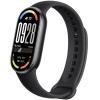
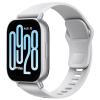
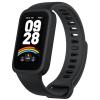
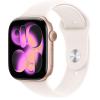
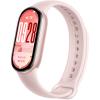
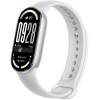
Smartwatches & Fitness Bands

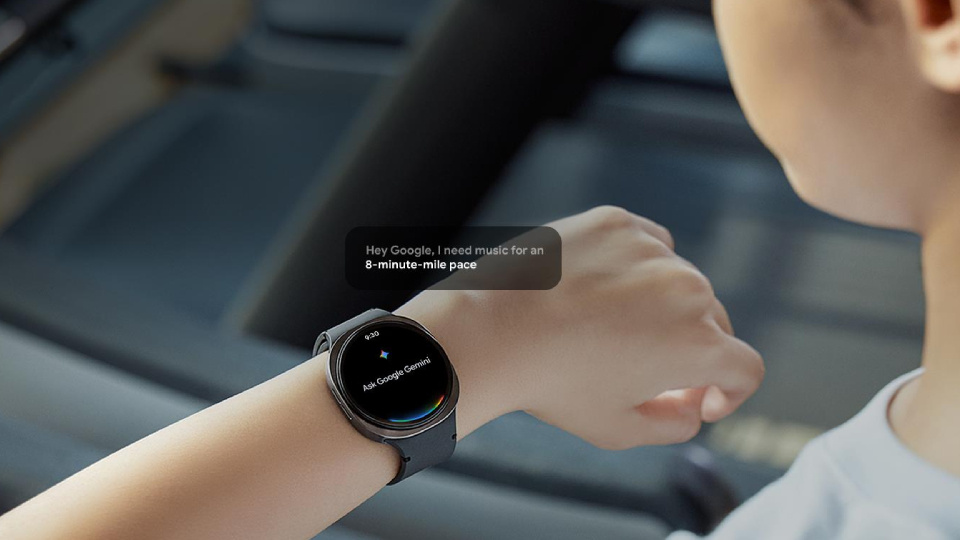
University life runs on schedules, deadlines, and constant context-switching. Smartwatches and fitness bands act as a lightweight productivity layer — keeping students informed, on time, and focused without pulling them out of what they’re doing.
Why it matters:
Keeps key notifications visible without constantly checking your phone.
Helps students stay on top of timetables, reminders, and calendar alerts.
Supports time management and routine-building during busy semesters.
Reduces distraction by filtering what actually needs attention.
Features to look for:
Notification support: calendar alerts, messages, and reminders at a glance.
Battery life: multi-day battery reduces friction during long study weeks.
App compatibility: seamless pairing with your phone and productivity apps.
Health & activity tracking: useful for maintaining routines during high-stress periods.
Comfort & durability: lightweight designs suit all-day wear on campus.
Pro tips:
- Smartwatches work best when notifications are curated — fewer alerts, higher value.
- If you’re trying to stay focused during lectures or study sessions, wearables let you stay reachable without opening your phone and breaking concentration.








Connectivity & Storage
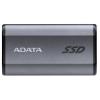
External Storage
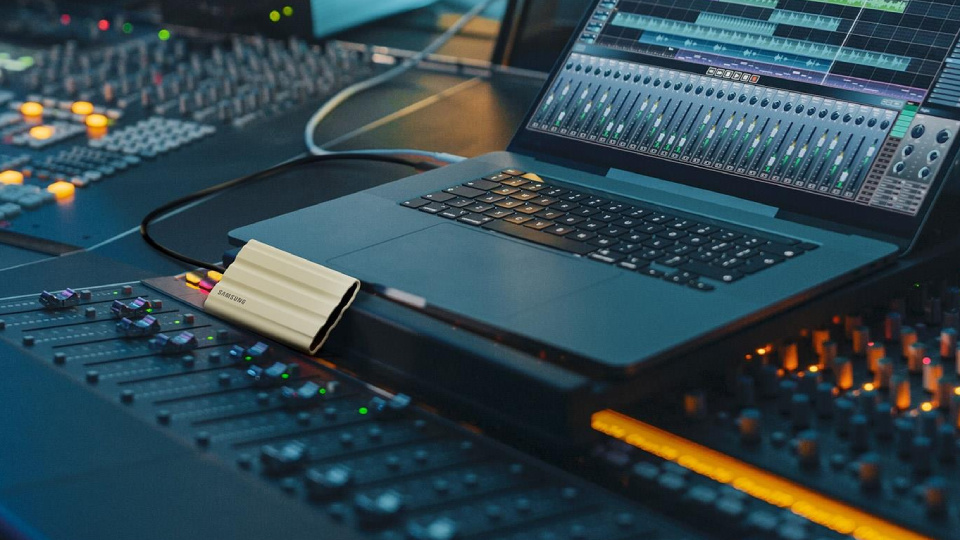
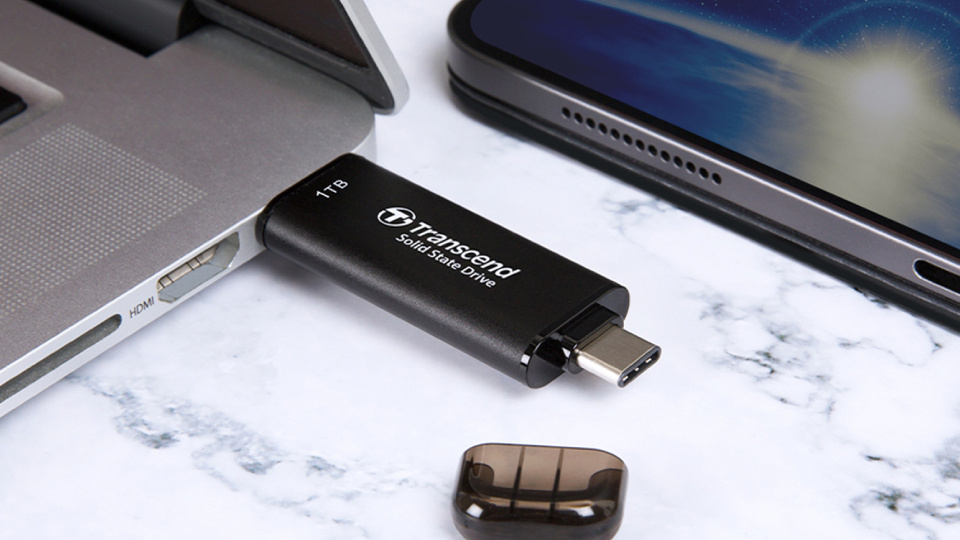
Uni generates a mountain of files — and losing an assignment the night before it’s due is a rite of passage nobody wants.
Why it matters:
Easy backups for assignments and long-term project work.
Helps move files between devices, labs, and group members when needed.
Useful for large media projects, datasets, and portfolio work.
Features to look for:
SSD vs HDD: SSDs are faster and more durable; HDDs often offer more capacity for less.
Capacity: depends on your course — media and design needs climb quickly.
Port type: USB-C vs USB-A compatibility matters day-to-day.
Durability: travel-friendly builds are useful if it lives in your bag.
Pro tips:
- Backup isn’t just for disasters — it protects you from “oops, wrong file version.”
- Make a simple system: one folder structure + regular backups = less stress later.







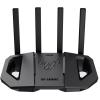
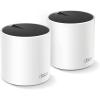
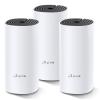
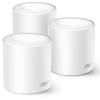
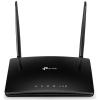
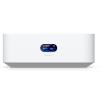
Networking Gear


Bad internet is a productivity killer. If your flat Wi-Fi is unreliable, everything from lectures to submissions becomes harder than it needs to be.
Why it matters:
Stable connection for lectures, group calls, and uploading assessments.
Better coverage in flats/halls with thick walls or multiple users.
Less dropouts and fewer “sorry, can you repeat that?” moments.
Features to look for:
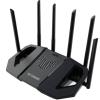
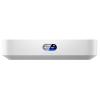
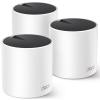
Router vs mesh: mesh helps with coverage across bigger or awkward spaces.
Wi-Fi standard: newer standards can improve speed and stability with modern devices.
Ethernet options: useful for PCs or stable streaming/calls.
Security features: important on shared networks.
Pro tips:
- If your connection is inconsistent, coverage is often the issue - not speed.
- Shared living = lots of devices. Gear that handles multiple connections smoothly matters.










Audio for Study & Focus
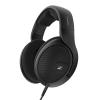
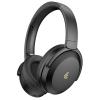
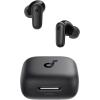
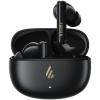
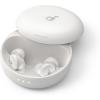
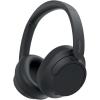
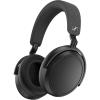
Headphones & Earbuds


Good audio gear isn’t just “nice to have.” It’s a focus tool - and often a requirement for online learning.
Why it matters:
Helps you focus in noisy environments (libraries, flats, buses).
Makes lectures, calls, and tutorials clearer.
Supports commuting and on-the-go study sessions.
Features to look for:
Noise cancelling vs isolation: both help, but active noise cancelling is stronger in busy spaces.
Mic quality: matters for group work and online presentations.
Comfort: long sessions demand lightweight designs and good ear padding/tips.
Battery life: important if you’re using them daily.
Pro tips:
- If you do lots of calls, a better mic can make you sound more confident and professional.
- Comfort beats hype - if they hurt after an hour, you won’t use them.










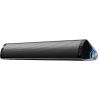
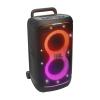
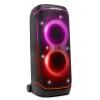
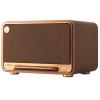
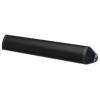
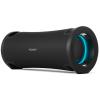
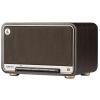
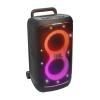
Speakers

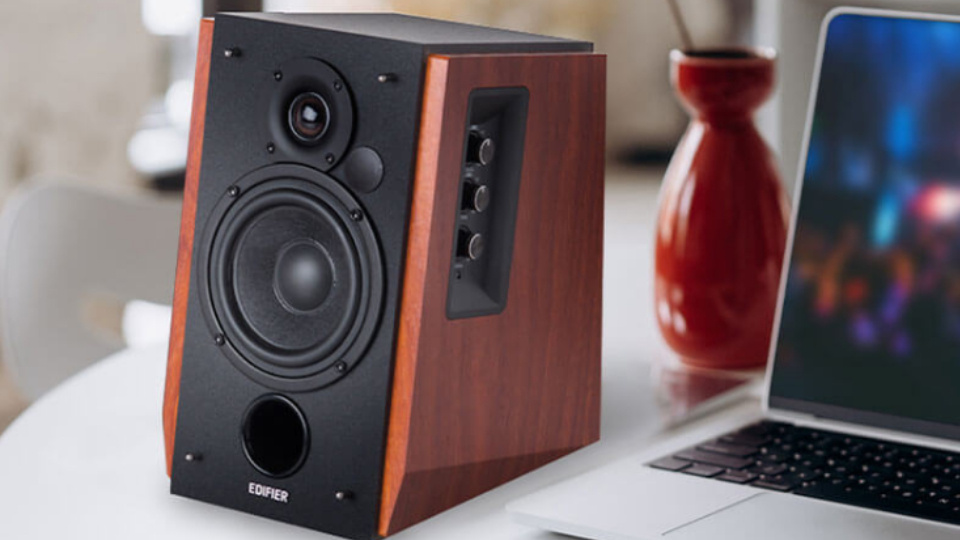
Speakers are more about flexibility - study groups, presentations, and downtime — especially in shared living.
Why it matters:
Useful for group work, presentations, and casual listening at home.
Easy audio option when you don’t want headphones constantly.
Features to look for:
Portability: if you move between rooms or flats.
Battery life: for outdoor hangs or spaces without outlets.
Connectivity: Bluetooth stability and pairing ease.
Pro tips:
- Speakers are best treated as “home base” audio; keep headphones for campus.










Mobility & Carry Gear
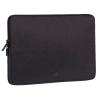
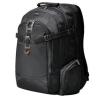
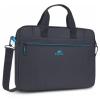
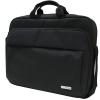
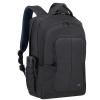
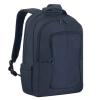
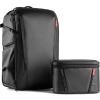
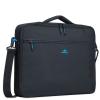
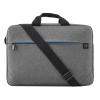
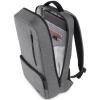
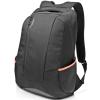
Backpacks, Laptop Bags & Sleeves


Your bag is the protective layer between your tech and daily chaos - rain, knocks, crowded lectures, and sudden sprints to class.
Why it matters:
Protects devices while commuting and moving around campus.
Keeps chargers, drives, and accessories organised and easy to find.
Improves comfort if you’re carrying gear all day.
Features to look for:
Padded compartments: laptop and tablet protection is non-negotiable.
Water resistance: extremely useful for unpredictable weather.
Organisation: separate pockets reduce cable tangles and lost adapters.
Comfort: straps and back padding matter for long walks.
Pro tips:
- A sleeve inside a backpack is a great “double protection” setup if you move a lot.
- Don’t underestimate weather resistance - it only takes one bad day.







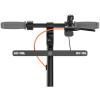
Electric Scooters & Commuter Tech


Commuting can eat time and energy. Mobility tech can make getting to campus faster, easier, and less draining.
Why it matters:
Saves time on large campuses or long commutes.
Helps students manage tight schedules between lectures and work.
Features to look for:
Range: match it to your real commute, not the marketing number.
Portability: weight and folding matter if you carry it on transport.
Safety accessories: lights and secure locks are essential.
Pro tips:
Plan for storage: if you can’t lock it securely or bring it inside, your commute solution becomes a stressor.














Power, Charging & Protection
Power Banks & Chargers


Campus days are long, and outlets are never where you need them. Portable power keeps your study day moving.
Why it matters:
Keeps your phone alive for maps, timetable changes, and communication.
Saves you during long lecture blocks or study sessions away from outlets.
Useful for multiple devices (phone, earbuds, tablet) in one day.
Features to look for:
Capacity: smaller for day trips; larger for heavy use or multiple devices.
Fast charging: look for modern fast-charge standards and multi-port output.
Port selection: match the cables/devices you actually use (USB-C matters a lot now).
Portability: balance size and weight with your daily routine.
Pro tips:
- Charge it the night before - treat it like part of your “keys/wallet” routine.
- If you’re carrying one charger for everything, multi-port saves a lot of hassle.
Comfort & Remote Learning Essentials
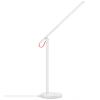
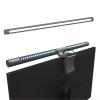
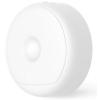
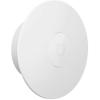
Desk Lamps & Lighting


Good lighting is underrated. It affects focus, mood, and how long you can study without headaches.
Why it matters:
Reduces eye strain during late-night study sessions.
Makes reading and screen work more comfortable.
Helps create a consistent study environment in shared spaces.
Features to look for:
Adjustable brightness: different tasks need different light levels.
Colour temperature: warmer for comfort, cooler for focus (depending on preference).
Positioning: flexible arms help direct light where you need it.
Pro tips:
- If you study in multiple places, prioritise consistency: a good lamp at home can make study time feel more “switched on.”




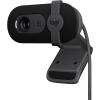
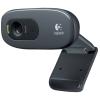
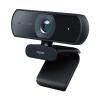
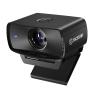
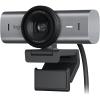
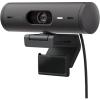
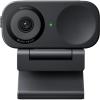
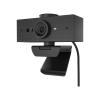
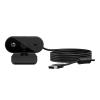
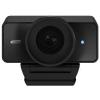
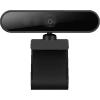
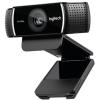
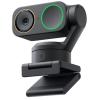
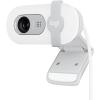
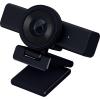
Webcams & Microphones


Online learning isn’t going away - and clear communication matters for group work, presentations, and tutorials.
Why it matters:
Better image and sound improves how you come across in calls.
Helps you participate more confidently in tutorials and meetings.
Makes recorded presentations and portfolio content cleaner.
Features to look for:
Resolution: clearer image helps in low light and on larger screens.
Mic clarity: reduces echo and background noise for calls.
Placement: cameras at eye level look more natural and professional.
Pro tips:
- If you’re presenting often, improving audio usually delivers the biggest “quality jump” fast.





Life Outside the Lecture Theatre
Gaming & Entertainment Tech

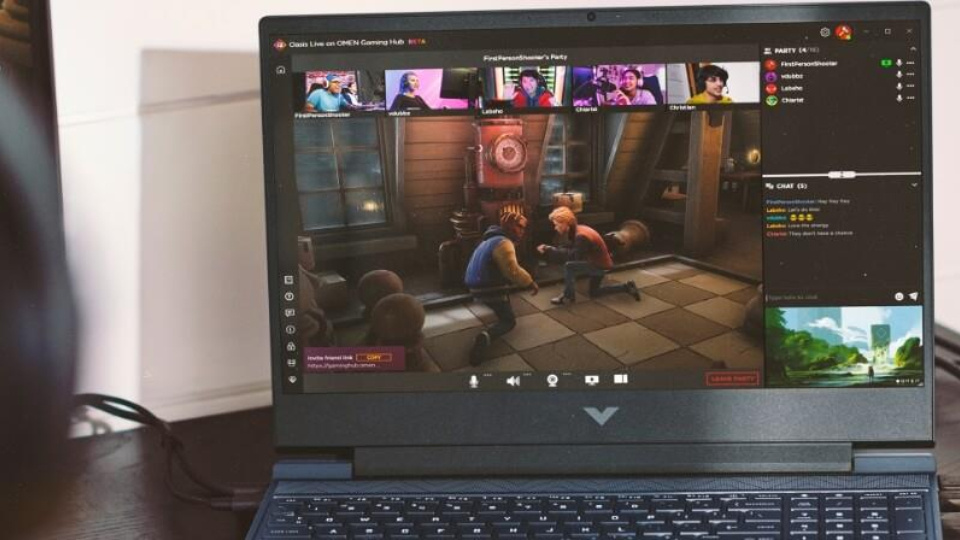
Entertainment isn’t the enemy of productivity - it’s part of maintaining balance when semesters get intense.
Why it matters:
Helps students unwind and reset between heavy study periods.
Supports social downtime with friends/flatmates.
Can double as a performance-focused setup for certain courses (depending on what you study).
Features to look for:
Performance headroom: helps with demanding tasks and smoother entertainment.
Cooling & noise: important for shared spaces and long sessions.
Display and audio: improves the experience for both gaming and media.
Pro tips:
- Balance is the goal - a setup that supports downtime can make the busy weeks more sustainable.






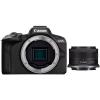
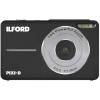
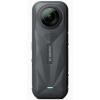
Cameras & Content Creation
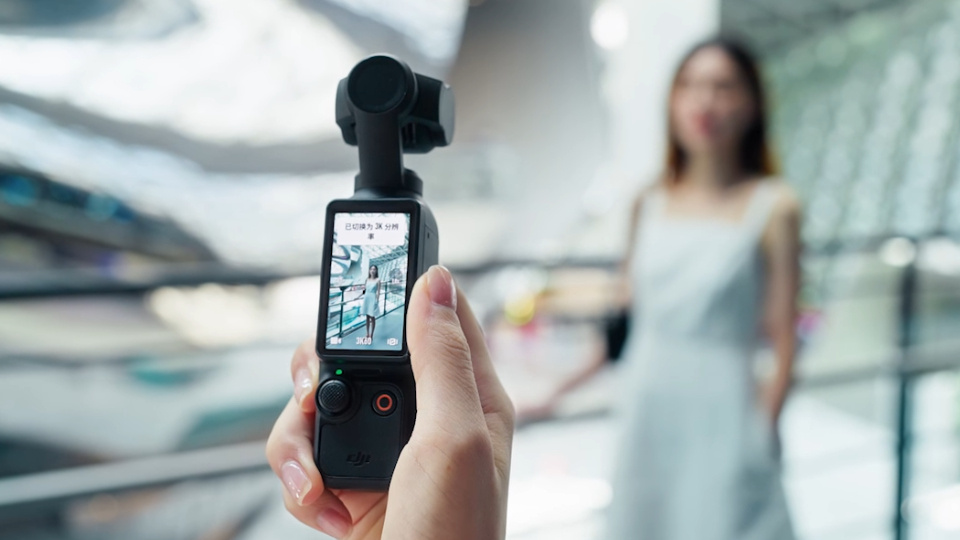

Students create more content than ever - for coursework, portfolios, social projects, and personal branding.
Why it matters:
Useful for presentations, portfolio building, and documenting projects.
Supports creative assignments and extracurriculars.
Helps students build skills that translate directly into modern work environments.
Features to look for:
Ease of use: you’ll use it more if it’s frictionless.
Low-light performance: helpful for indoor shoots and events.
Audio options: often overlooked, but hugely impacts content quality.
Pro tips:
- If you’re building a portfolio, consistent quality beats occasional “perfect” shots.






Back to Uni Starts Here
Back to uni tech isn’t about one purchase - it’s about building a setup that supports how you study, communicate, and live day to day. When you understand what each category is for, it becomes easier to choose gear that fits your course and your routine, rather than buying blind and hoping it works out.
A good student setup is ultimately about removing friction: fewer dead batteries, fewer connectivity issues, fewer cramped screens, and less discomfort during long sessions - so you can focus on what actually matters: getting the work done and enjoying the year.
