
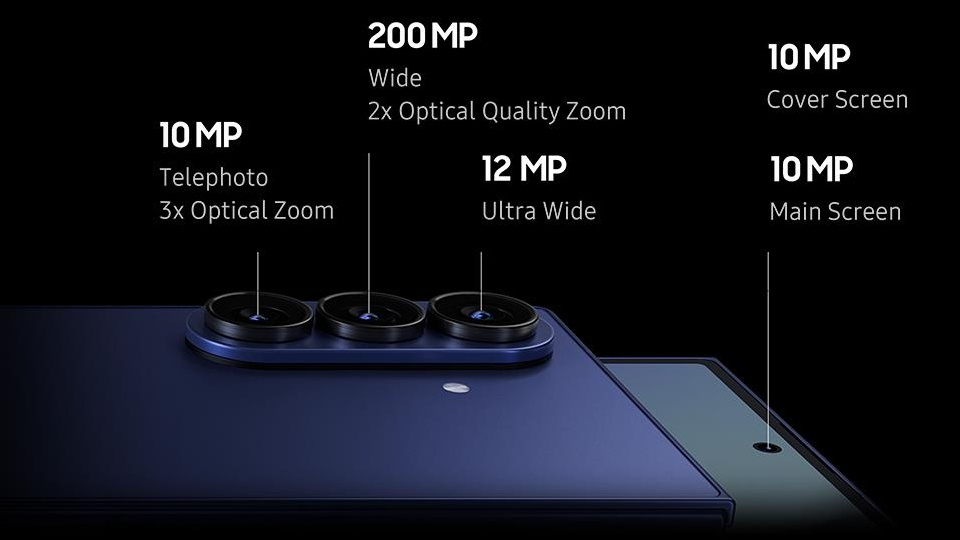
If phone cameras were a supermarket aisle, the “megapixels” label would be the giant neon sign screaming at you from every box. 50MP. 64MP. 200MP. It feels like more must be better. The truth is much more practical. Megapixels matter, but not in the way marketing suggests. For most people, the sweet spot you actually use day to day sits around 12 to 16 megapixels. And whether your photos look good or bad usually comes down to sensor size, lens quality, stabilisation, and image processing, not the headline MP number.
Let’s break it down in normal language so you can buy with confidence and get better results from the phone you already own.
Megapixels, explained in one minute
A megapixel is one million tiny picture dots. More pixels mean more potential detail, which helps for big prints or heavy cropping. But pixels are not all equal. When you cram more pixels onto a small sensor, each pixel gets smaller and collects less light. Less light per pixel means more noise, especially indoors or at night.
That is why a phone with fewer megapixels but a larger sensor can produce cleaner, nicer photos than a high megapixel phone with a tiny sensor.
Think of it like rain buckets. A few big buckets catch more water than lots of tiny thimbles.
What actually matters more than megapixels
Sensor size
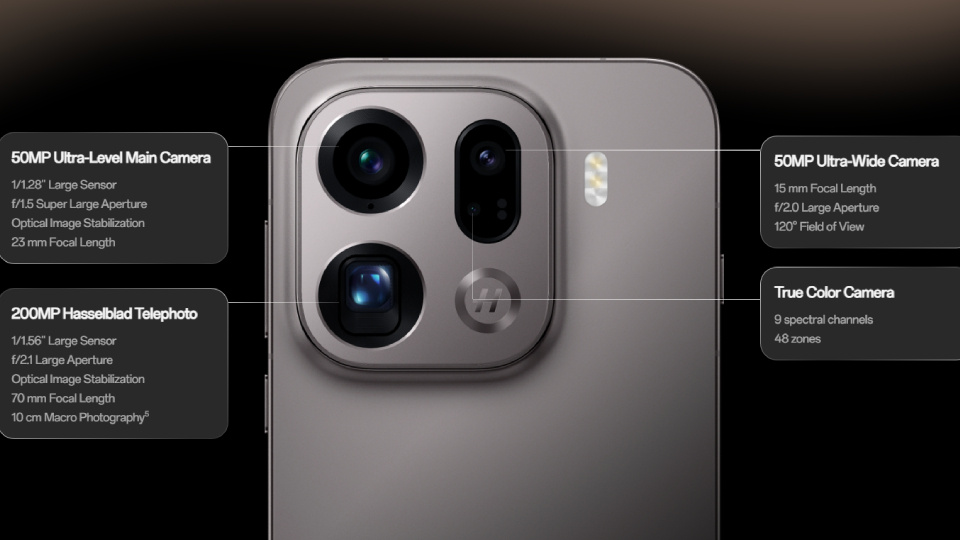
Sensor size determines how much light the camera captures overall. More light means cleaner images, better colour, smoother gradients, and stronger low-light performance. On spec sheets, you will see figures like 1/1.3 inch or 1/1.28 inch. The smaller the bottom number, the bigger the sensor. If a phone has a larger than average main sensor, that is a real quality signal.
Lens quality and stabilisation
A good lens and optical image stabilisation decide how sharp that light is and how steady the shot stays in low light. OIS lets the camera use slower shutter speeds without blur, which keeps noise down and detail intact.
Computational photography
This is the software magic. Phones combine multiple frames, balance highlights and shadows, reduce noise, and tune colours. Night mode, HDR, skin tone accuracy, and sharpening all live here. In many cases, this matters just as much as the hardware.
All of these together decide how good your photo looks, regardless of whether it says 12MP or 200MP on the box.
Pixel binning, and why your 48MP phone saves 12MP photos
You may have noticed that phones with 48MP, 50MP, or even 200MP cameras often save photos at 12MP by default. This is intentional. The camera combines groups of pixels, usually four or nine at a time, into one larger virtual pixel. This is called pixel binning.
The result is a brighter, cleaner image, especially in low light, because those combined pixels act like a larger light collector. You can still switch to full resolution mode in bright daylight if you want more room to crop. Most of the time, the binned 12 to 16MP photo looks better.
So how many megapixels do you actually need?
Everyday photos
Social media, messaging, family photos, and prints up to A4 size are perfectly covered by 12 to 16MP. Social platforms compress images long before megapixels become a limitation.
Travel and landscapes
Higher megapixels can help if you like cropping into distant details, but only in good light and only if the sensor and lens are decent. A shaky hand or hazy air will cancel out the benefit quickly.
Low light and indoor shots
Megapixels matter least here. A larger sensor, optical stabilisation, and a good night mode are far more important. A clean 12MP image will beat a noisy high-resolution file almost every time.
Large prints
Extra megapixels help with smoother enlargement, but only if the original image is sharp and clean. More pixels do not fix blur or noise.
When megapixels help, and when they do not
They help when
You are shooting in bright light and want to crop heavily or print large.
The camera supports high-quality full resolution or RAW capture, and the lens can resolve fine detail.
They do not help when
Light is lo,w and noise wipes out fine detail.
The lens is soft, dirty, or shooting through haze or drizzle.
Images are heading straight to social media, where compression is aggressive.
A smarter way to compare phone cameras
When shopping, use this order of priorities.
First, look at the main sensor size. Bigger is better.
Second, check for optical image stabilisation on the main camera.
Third, consider the phone’s processing reputation, especially skin tones, HDR balance, and night photos.
Fourth, look at the telephoto camera if you care about zoom. A real 2x to 5x tele usually beats heavy cropping.
Finally, use megapixels as a tie breaker, not the headline decision.
Getting better photos from the phone you already have
- Tap and hold to lock focus and exposure, then adjust brightness slightly if highlights are blown out.
- Brace yourself against a wall or table. OIS helps, but stability still matters.
- Give Night mode time to finish. Hold steady for a moment after pressing the shutter.
- Pay attention to the light direction. Turning slightly toward a window can massively improve faces.
- Clean your lens. Fingerprints reduce contrast and sharpness more than most spec differences.
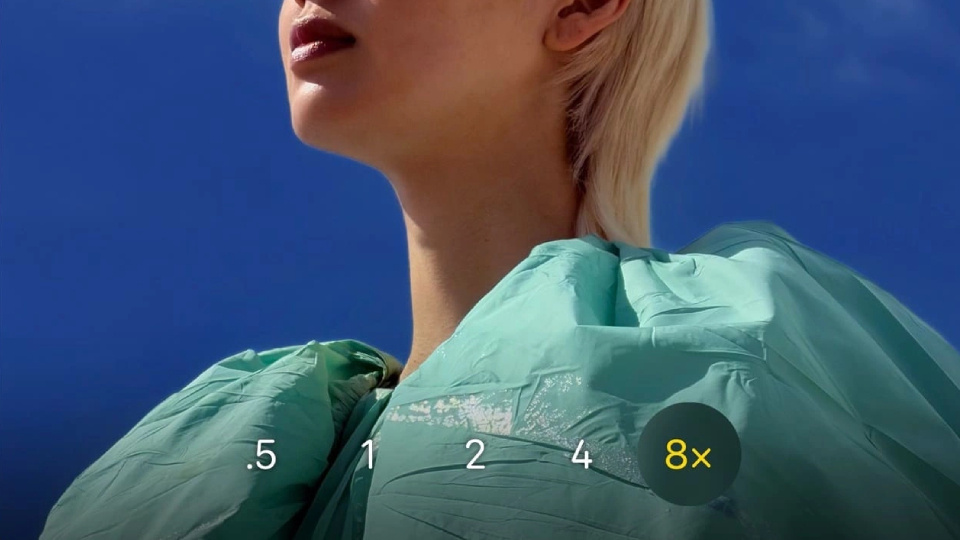
- Use the telephoto camera if your phone has one. It usually delivers cleaner detail than cropping.
Real-world examples
- Birthday dinner indoors
- A phone with a larger sensor and OIS will give smoother skin tones and less grain at 12MP than a smaller high megapixel sensor at full resolution.
- Bright cityscape
- A 48MP or 50MP shot can help if you want to crop deep into buildings or signs, but only if the phone is steady and the light is clean.
- Kids running at the park
- Shutter speed and focus matter more than megapixels. A sharp 12MP photo beats a smeared 50MP one every time.
- Concerts
- Low light and motion mean pixel binning and stabilisation matter far more than raw resolution.
The short answer
Treat megapixels as a nice bonus, not a deciding factor. For most photos, 12 to 16MP paired with a good sensor, optical stabilisation, and strong processing will beat a huge megapixel number on a tiny sensor. Extra megapixels help for big prints and heavy crops in good light, but only if the rest of the camera is doing its job.